What is engagement rate?
Engagement rate turns interactions into a percentage so that activity can be compared with the size of the audience or exposure behind it. Depending on the analysis, engagements might include actions such as likes, comments, shares or other interactions included in your reporting.
The important part is consistency. If two posts use different definitions of engagement or different audience denominators, comparing their percentages directly can be misleading.
The basic engagement rate formula
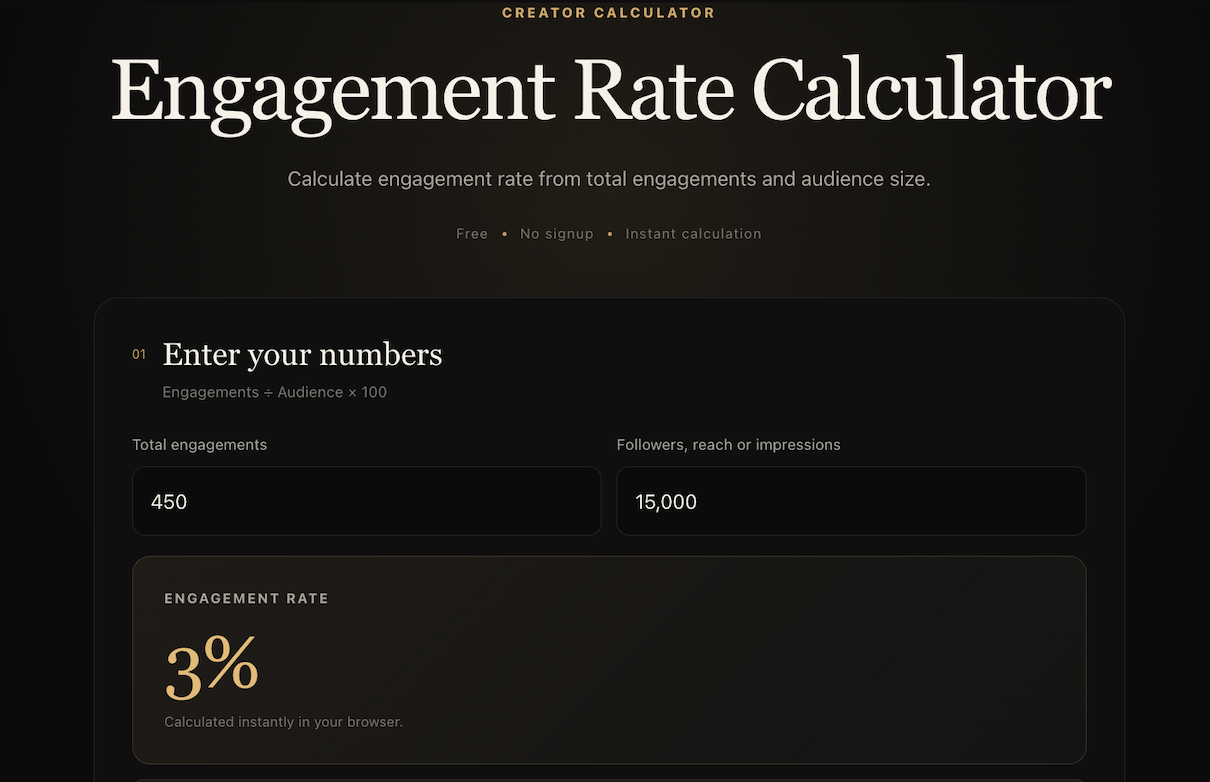
The basic calculation is: engagements divided by the audience value, multiplied by 100. For example, 450 engagements divided by 15,000 followers equals 0.03. Multiply by 100 and the engagement rate is 3%.
You do not need to calculate that manually. ViralTranscript's calculator accepts the engagement total and audience value and returns the percentage immediately.
- Engagement rate = engagements ÷ audience × 100.
- 450 engagements ÷ 15,000 followers × 100 = 3%.
- Use values from the same post, campaign or reporting period.
Followers, reach or impressions: which should you use?
There is more than one useful engagement-rate denominator. Dividing by followers compares interactions with an account's audience size. Dividing by reach compares interactions with the number of people reached. Dividing by impressions compares interactions with total measured exposures.
None of those denominators is automatically correct for every question. State which one you used, especially when reporting results to someone else.
How to compare engagement rates fairly
Use the same formula, reporting window and engagement definition for every item in a comparison. A follower-based rate for one creator should not be presented as directly equivalent to a reach-based rate for another without explaining the difference.
Engagement rate is also only one signal. A campaign can generate interaction without producing the clicks, revenue or other outcomes that matter to its goal.
- Keep the denominator consistent.
- Use the same definition of engagement.
- Compare equivalent reporting periods.
- Consider clicks, revenue and other campaign outcomes separately.
Calculate your engagement rate
If you already have your engagement and audience numbers, the quickest next step is to enter them in the free Engagement Rate Calculator. The calculation happens directly in your browser and no account is required.